

This page describes managing API keys in the self-admin area. An Admin API for API key management is also available to all API Growth and API Enterprise subscribers, and to a limited set of Pro API subscribers.
Get started
You can find and manage your API keys in the “API Keys & Limits” tab when signed into your DeepL API account. It’s possible to create multiple, simultaneously active API keys in a single API subscription.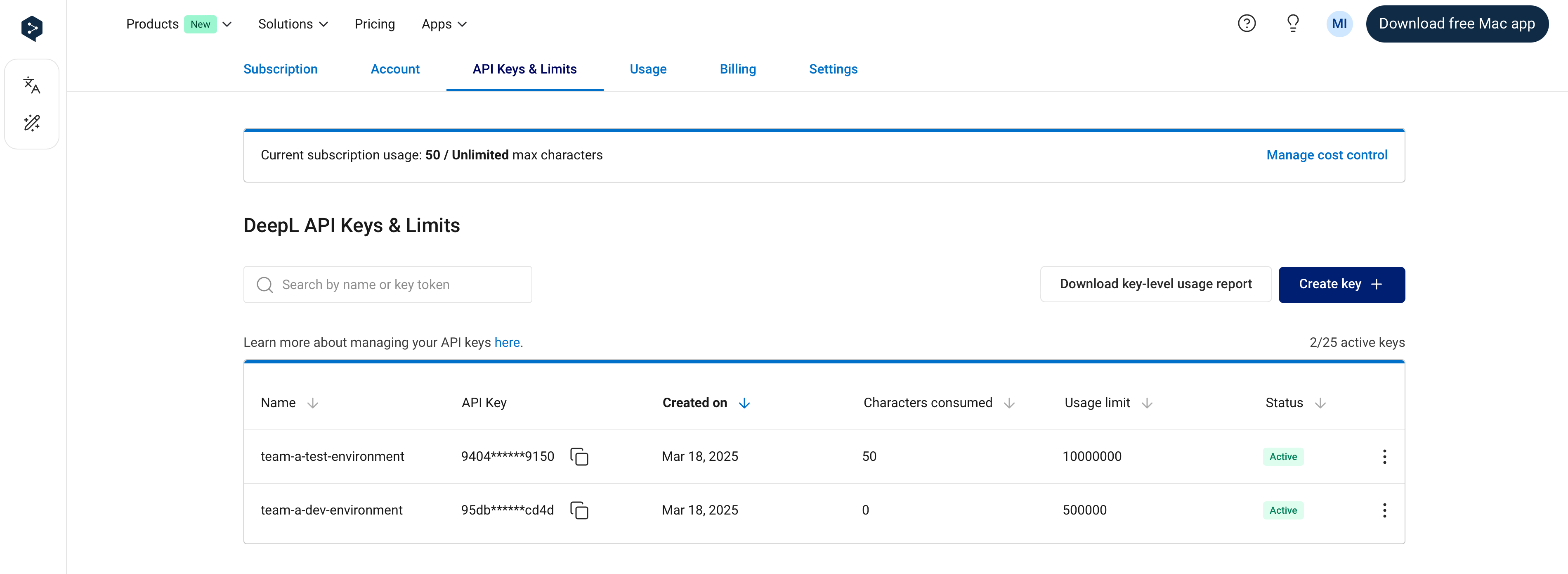
Basic API key management
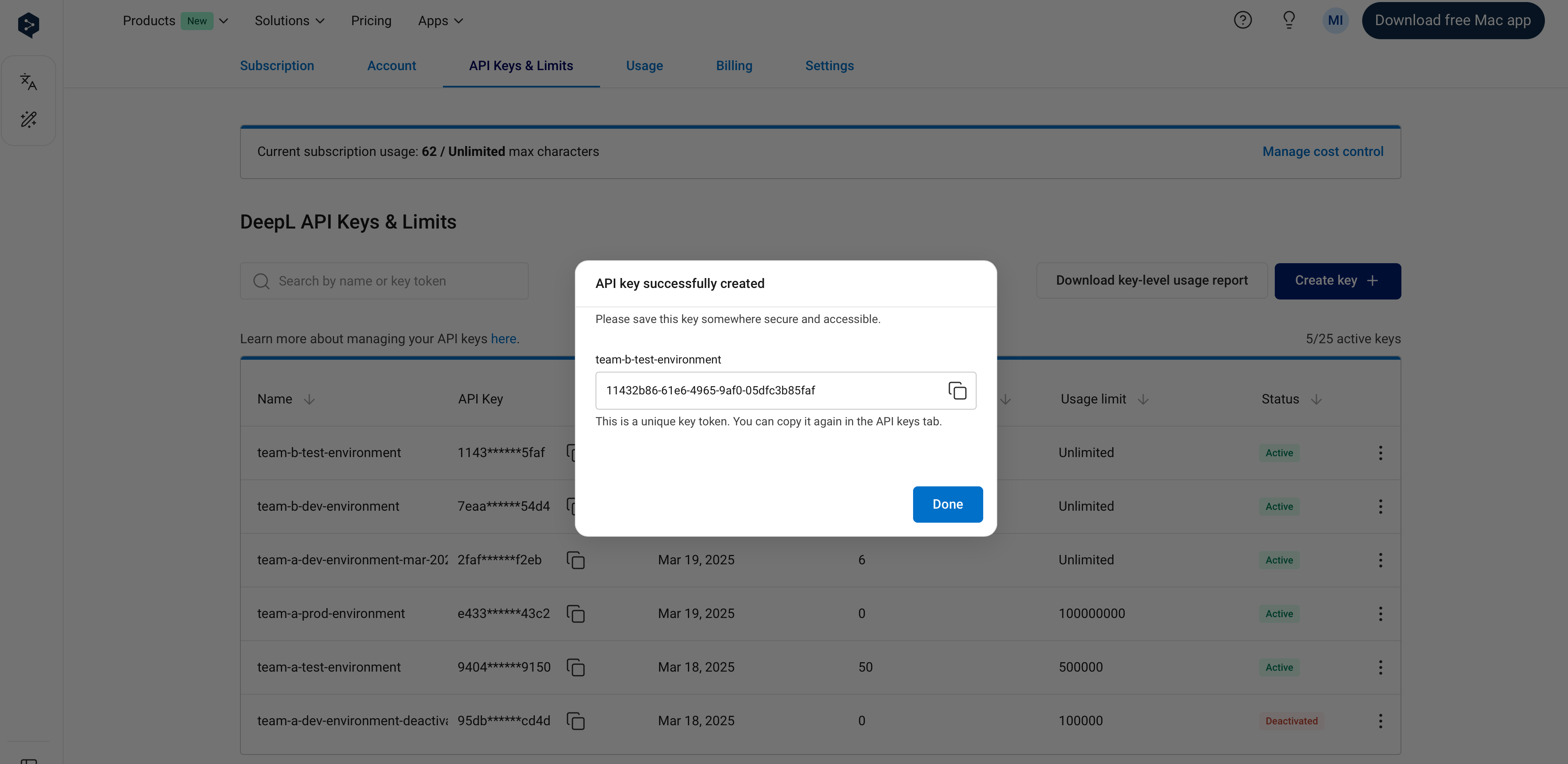
Create new key Creates a new API key. You can optionally give an API key a name of your choosing during the creation process. If you do not name the key, the name “DeepL API Key” will be given to the key automatically. Pro API subscribers can create up to 25 simultaneously active API keys. Free API subscribers can create up to 2 simultaneously active API keys. Giving your API keys a name during the key creation process makes it possible for you to search for the key by name using the search bar on the “API keys” tab: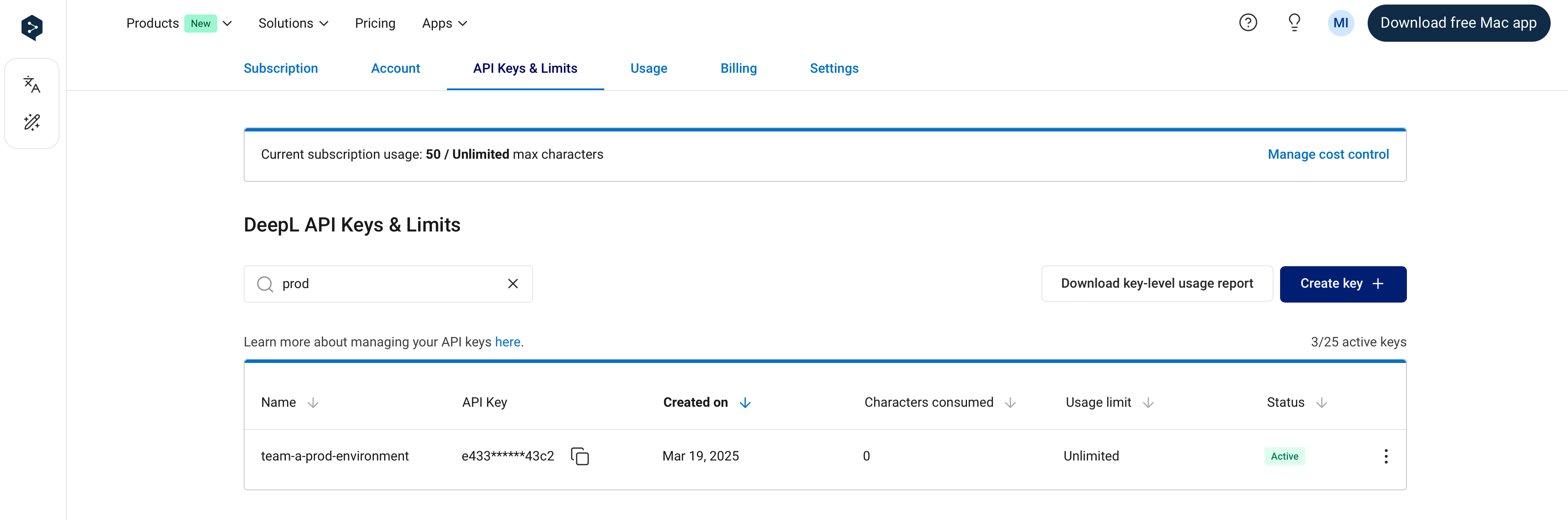
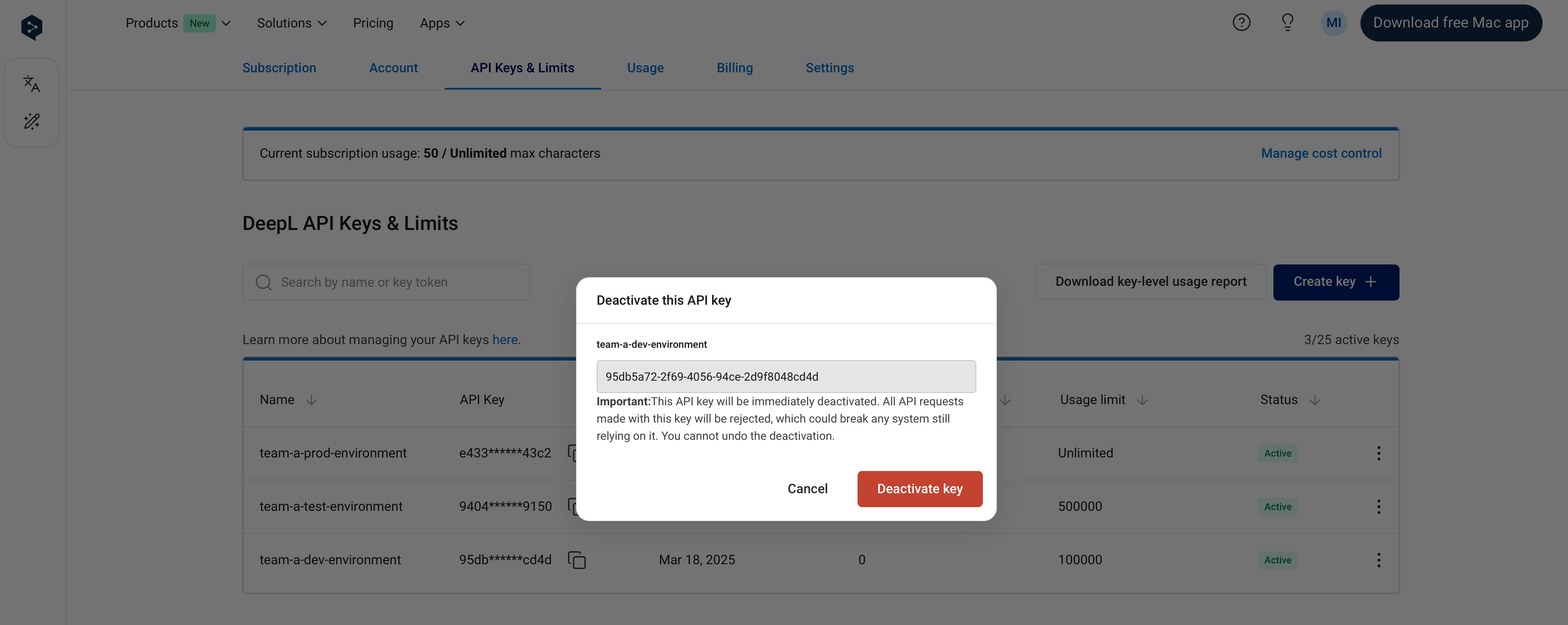
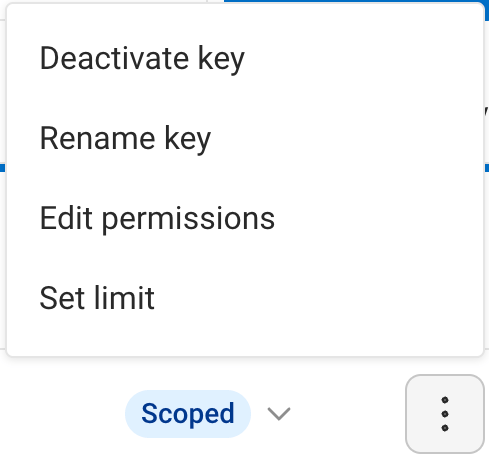
Deactivate key
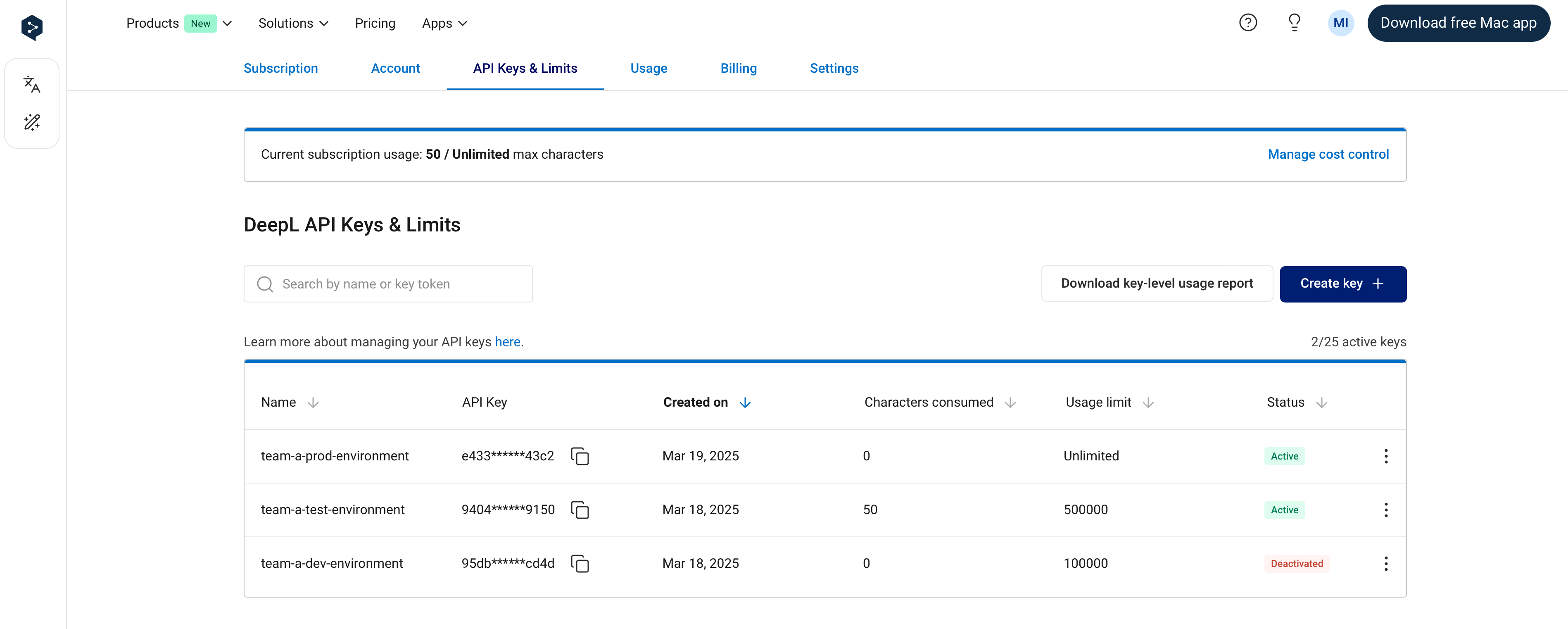
Deactivates an active API key. IMPORTANT: an API key will stop working immediately when it is deactivated. After a key is deactivated, it cannot be reactivated—deactivating a key is permanent!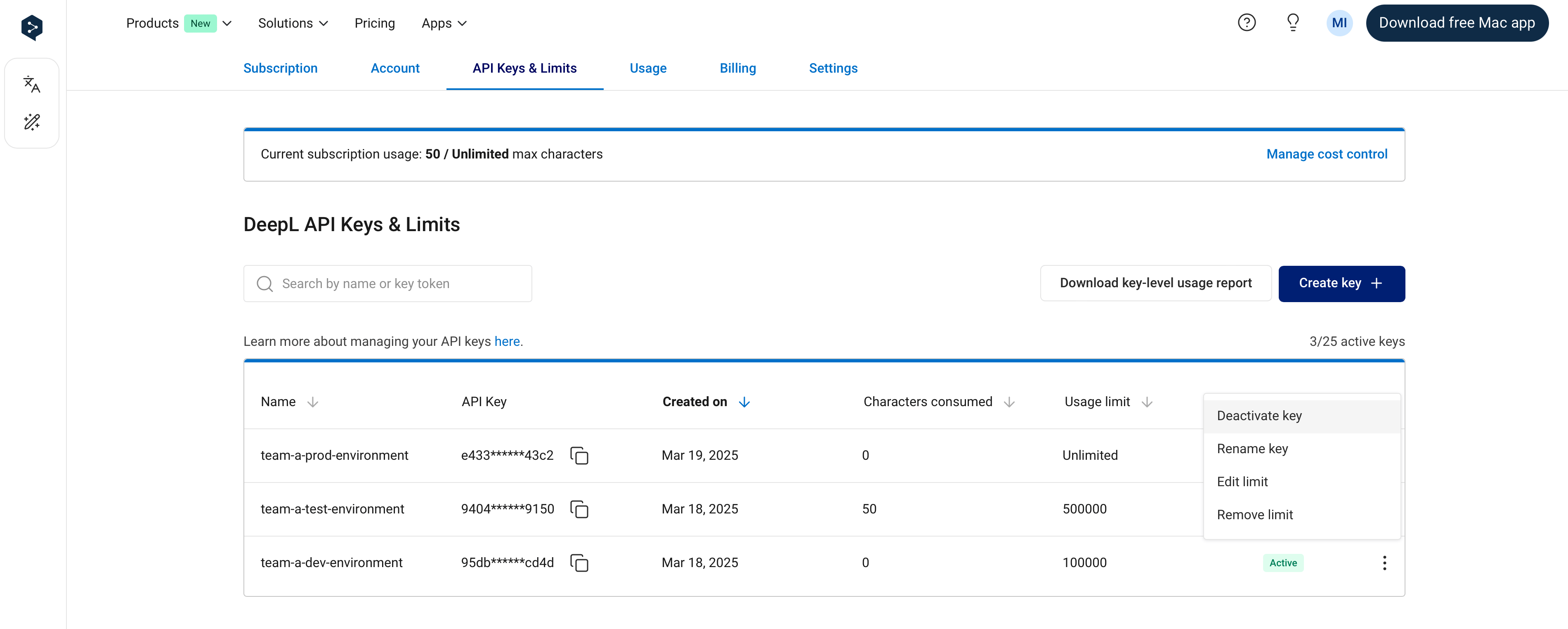
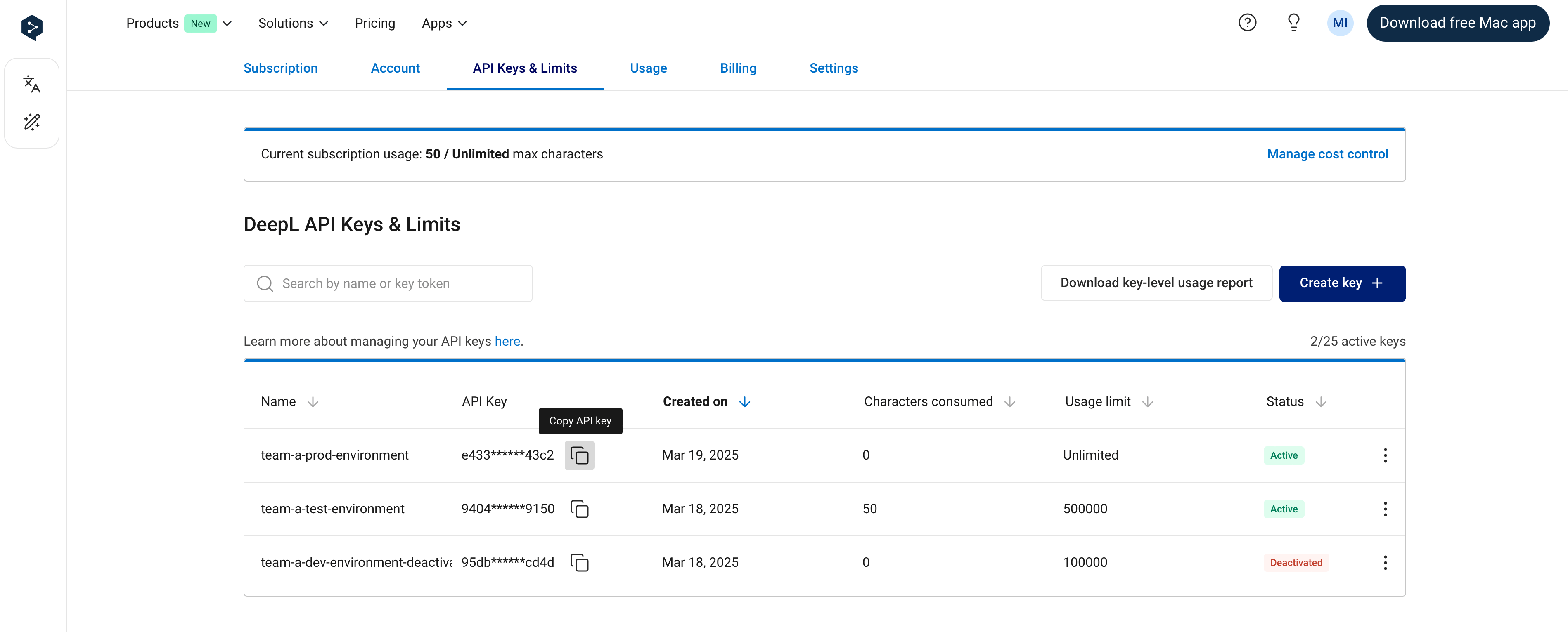
Rename key
Allows you to edit the name of an API key. Note that it is possible for two keys to have the same name. Both active and deactivated keys can be renamed.
To learn how to see API key-level usage data, see Retrieving usage data.
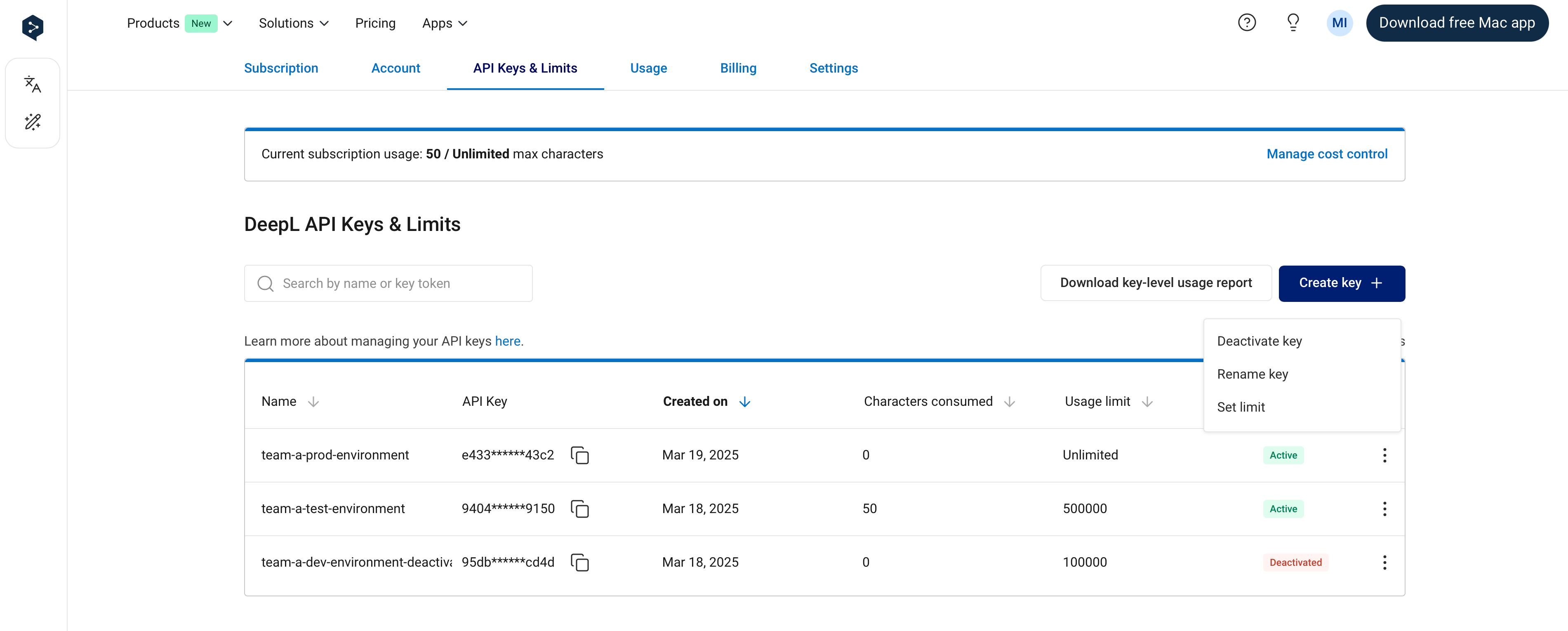
Set API key-level usage limits
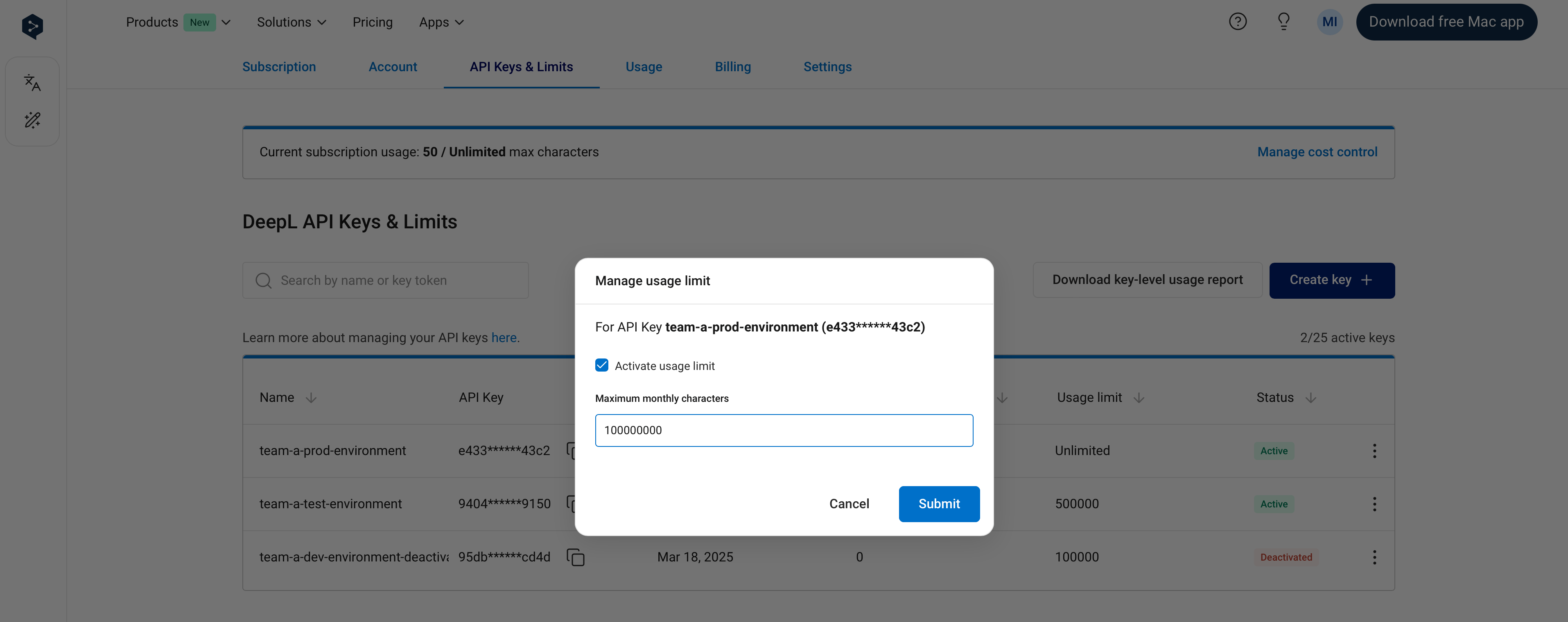
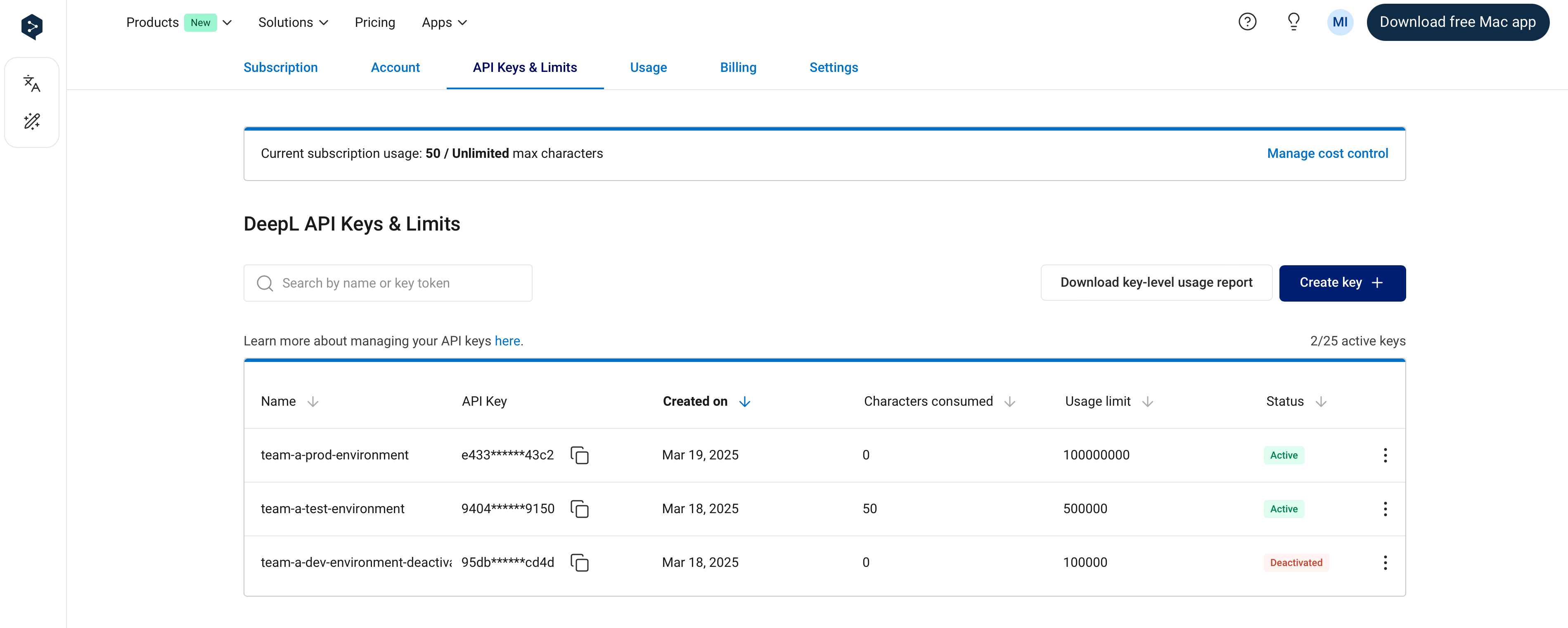
It’s possible to set an API key-level usage limit. Key-level limits restrict the number of total characters (across text translation, document translation, and text improvement) that can be consumed by an API key in a one-month usage period. You can see the dates of your current usage period in the Usage tab. For example, if you set a key-level usage limit of 1,000,000 characters, the API key will not consume more than 1,000,000 characters per usage period. In the “API Keys & Limits” tab, the “Characters consumed” column in the API keys table shows the number of characters consumed by an API key in the current usage period. The character count will “reset” at the start of the next usage period, at which point the key will again be able to consume characters. As with subscription-level cost control:- You’ll receive notification emails when 80% and 100% of a key-level limit has been reached
- The API will respond with
456 Quota exceedederrors when 100% of a key-level limit has been reached
It’s possible to set an API key-level limit to 0, which means the API key will not be able to consume characters.
API key permissions
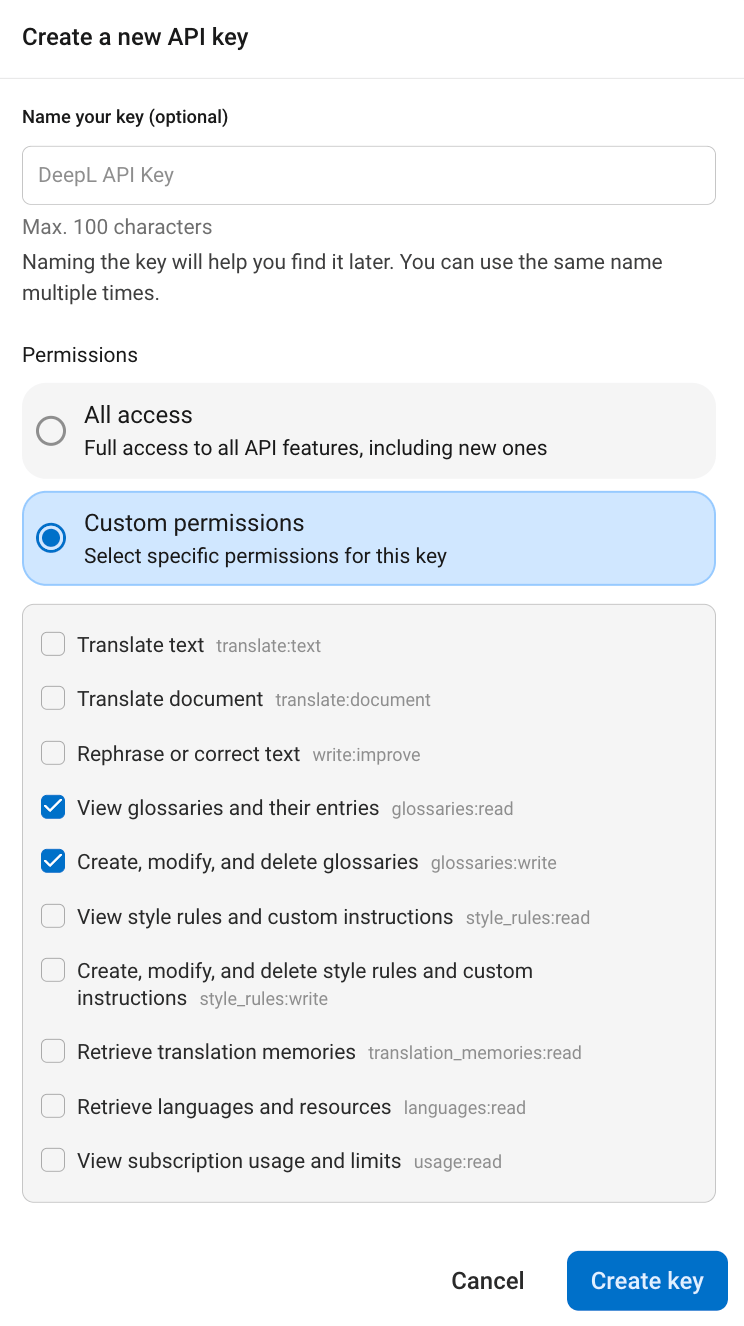
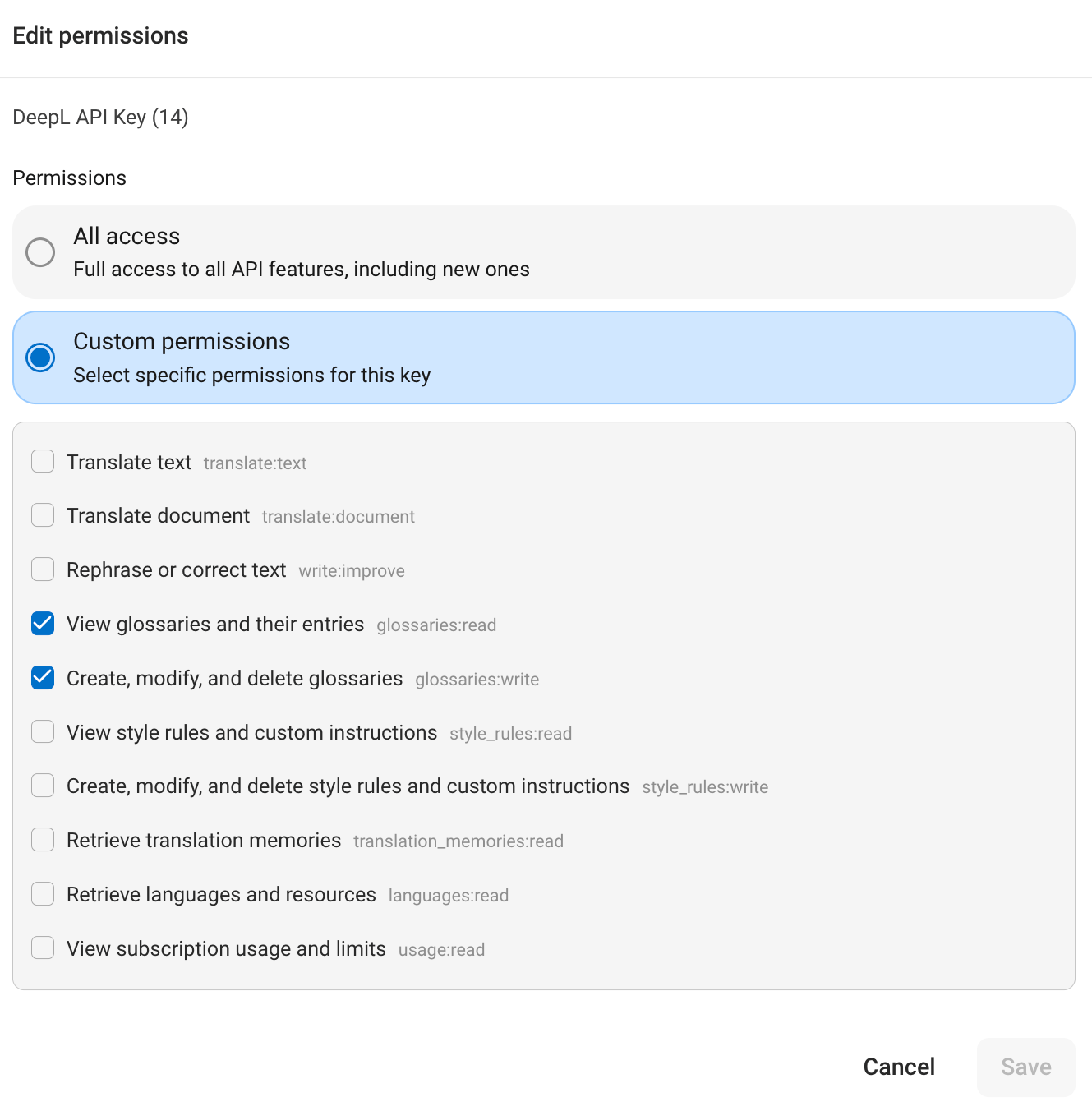
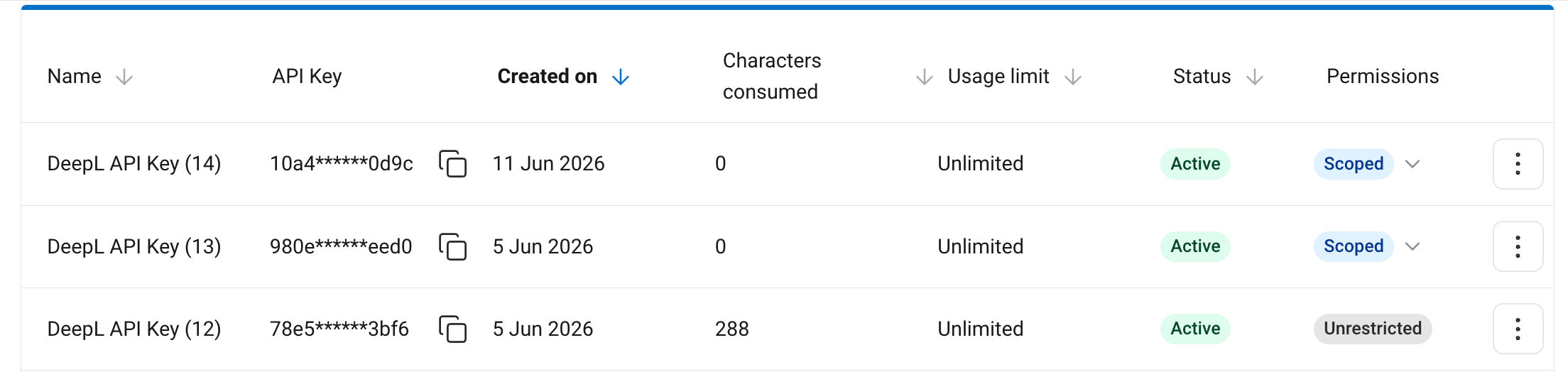
API key permissions, introduced in June 2026, let you limit what a developer API key can do. Instead of one key with full access to every endpoint, you can issue keys that are scoped to specific operations, for example a key that can only translate text or a key that can only read glossaries. Permissions are implemented as scopes. Each scope groups a set of related operations into a single capability you can grant to a key. This section uses “permissions” for the user-facing feature and “scopes” for the technical mechanism. Permissions are currently supported only for developer API keys. An account can hold any mix of scoped and unrestricted developer keys. API key permissions are available on the API Pro, API Developer, API Growth, and API Enterprise plans. When to use scoped keys| Key Type | Choose When |
|---|---|
| Unrestricted | A key can access any endpoint and doesn’t need to be limited in any way. |
| Scoped | A key should have access only to specific endpoints, for example to prevent glossaries from being modified inadvertently. |
- It can call only the endpoints fully covered by its scopes.
- Every other endpoint returns
403 Forbidden, including any endpoint that has no scope requirement of its own. - Some endpoints require more than one scope. A key must hold all of them; if any is missing, the request is denied and the response lists the missing scopes.
Translate text (translate:text)
Translate text (translate:text)
| Method | Endpoint |
|---|---|
POST | /v2/translate |
Translate document (translate:document)
Translate document (translate:document)
| Method | Endpoint |
|---|---|
POST | /v2/document |
GET | /v2/document/{document_id} |
GET | /v2/document/{document_id}/result |
Rephrase or correct text (write:improve)
Rephrase or correct text (write:improve)
| Method | Endpoint |
|---|---|
POST | /v2/write/rephrase |
POST | /v2/write/correct |
View glossaries and their entries (glossaries:read)
View glossaries and their entries (glossaries:read)
Create, modify, and delete glossaries (glossaries:write)
Create, modify, and delete glossaries (glossaries:write)
View style rules and custom instructions (style_rules:read)
View style rules and custom instructions (style_rules:read)
Create, modify, and delete style rules and custom instructions (style_rules:write)
Create, modify, and delete style rules and custom instructions (style_rules:write)
Retrieve translation memories (translation_memories:read)
Retrieve translation memories (translation_memories:read)
| Method | Endpoint |
|---|---|
GET | /v3/translation_memories |
Retrieve languages and resources (languages:read)
Retrieve languages and resources (languages:read)
| Method | Endpoint |
|---|---|
GET | /v3/languages |
GET | /v3/languages/resources |
GET | /v2/languages |
View subscription usage and limits (usage:read)
View subscription usage and limits (usage:read)
| Method | Endpoint |
|---|---|
GET | /v2/usage |
Voice API support is coming. Permissions don’t yet cover the Voice API, so there’s no Voice scope to assign. Because a scoped key is blocked from every endpoint its scopes don’t cover, a scoped key can’t currently reach the Voice API at all. Use an unrestricted key for any workload that needs Voice until Voice scopes ship in a future update.

403 Forbidden response. The detail field lists the scopes the key is missing: